DC UPS 120W for Routers and CCTV: How Long 222Wh Actually Holds the Line
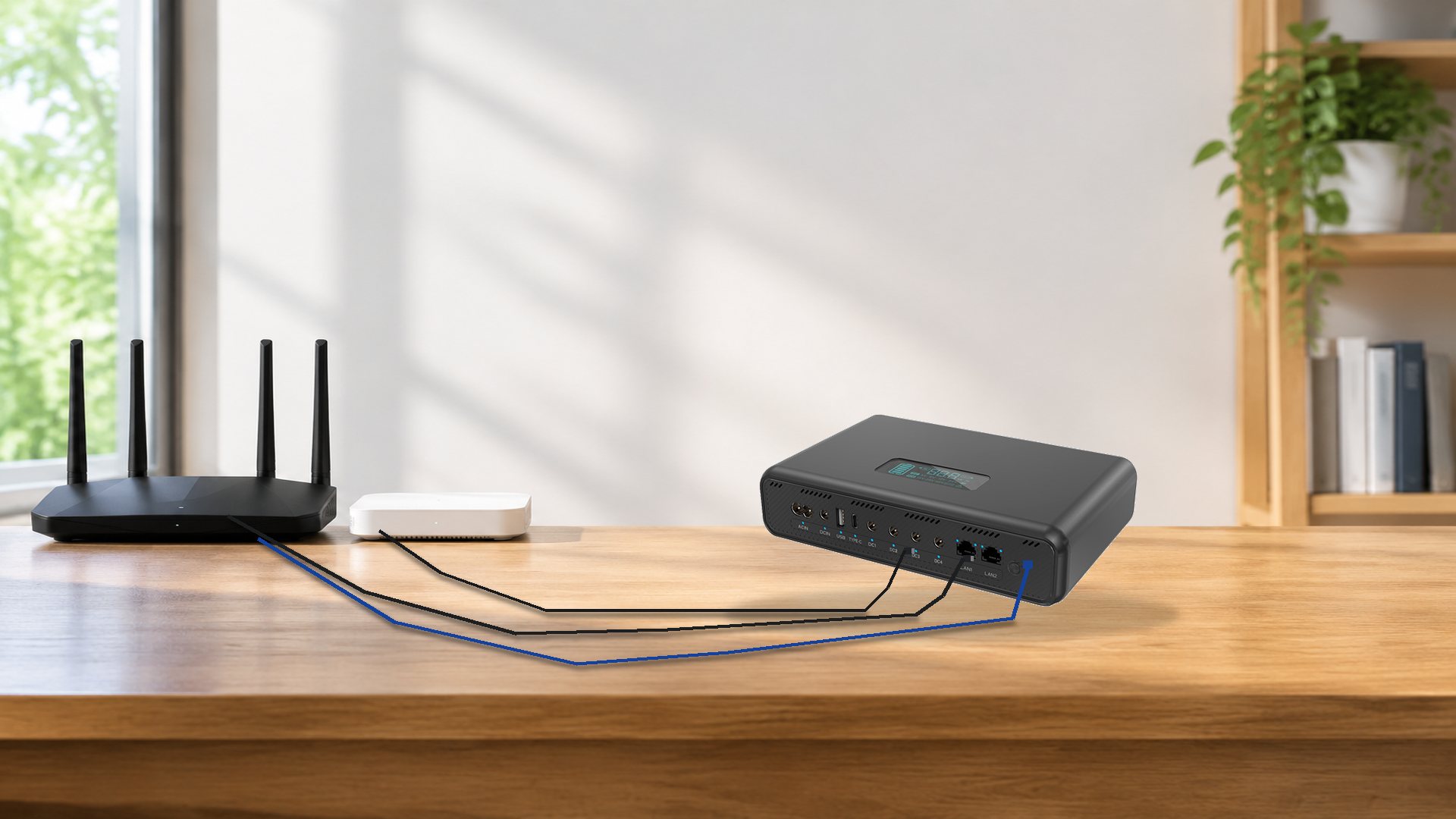
The BEESTE DC UPS-120D is a 120W / 222Wh (60,000mAh) lithium-ion DC uninterruptible power supply, about 188 × 83 × 192 mm and 1.35 kg, with eight output ports — USB-A, USB-C, DC1 (5V), DC2 (9V), DC3 (12V), DC4 (24V), a PoE RJ45 and a LAN RJ45. In plain numbers: roughly 189Wh is usable after conversion losses, which is about 6.3 hours on a 30W load, 3.1 hours on 60W, and 1.6 hours at its full 120W rating.
Most DC UPS listings lead with the wattage because it is the biggest number on the label. This article starts from the watt-hours instead, converts them into hours for the loads that sit behind a router or a camera, and states where the unit stops being the right answer. The parameter list is on the 120W DC UPS product page; what follows is the interpretation.
In this article
- What the DC UPS-120D is
- 120W is a port budget
- The eight ports
- Mixed voltage
- 0 ms transfer
- Router and ONT backup
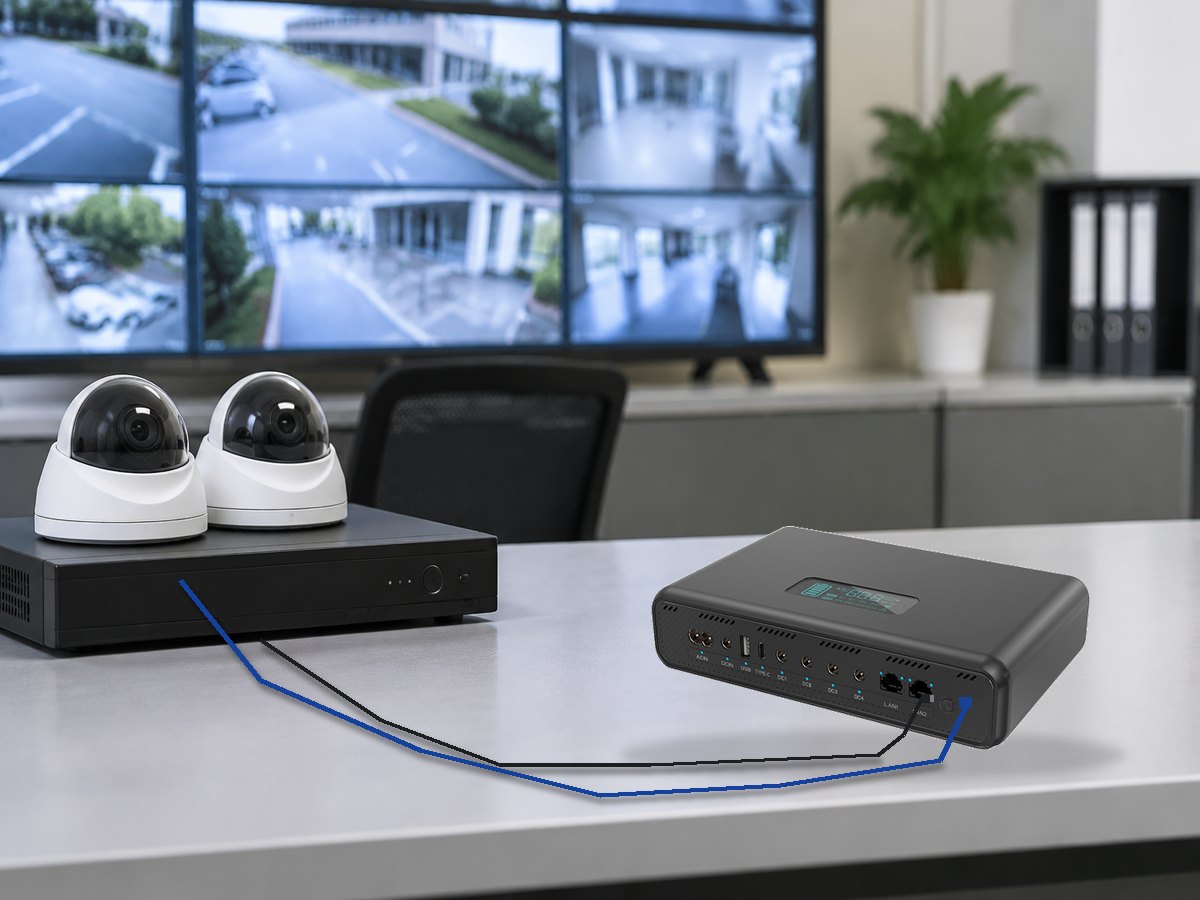
- CCTV and NVR backup
- Solar and 12V input
- Sizing in three steps
- What it cannot do
- Next to an AC power station
- Charging time
- FAQ
- Before you order
What the DC UPS-120D is, in one paragraph you can quote
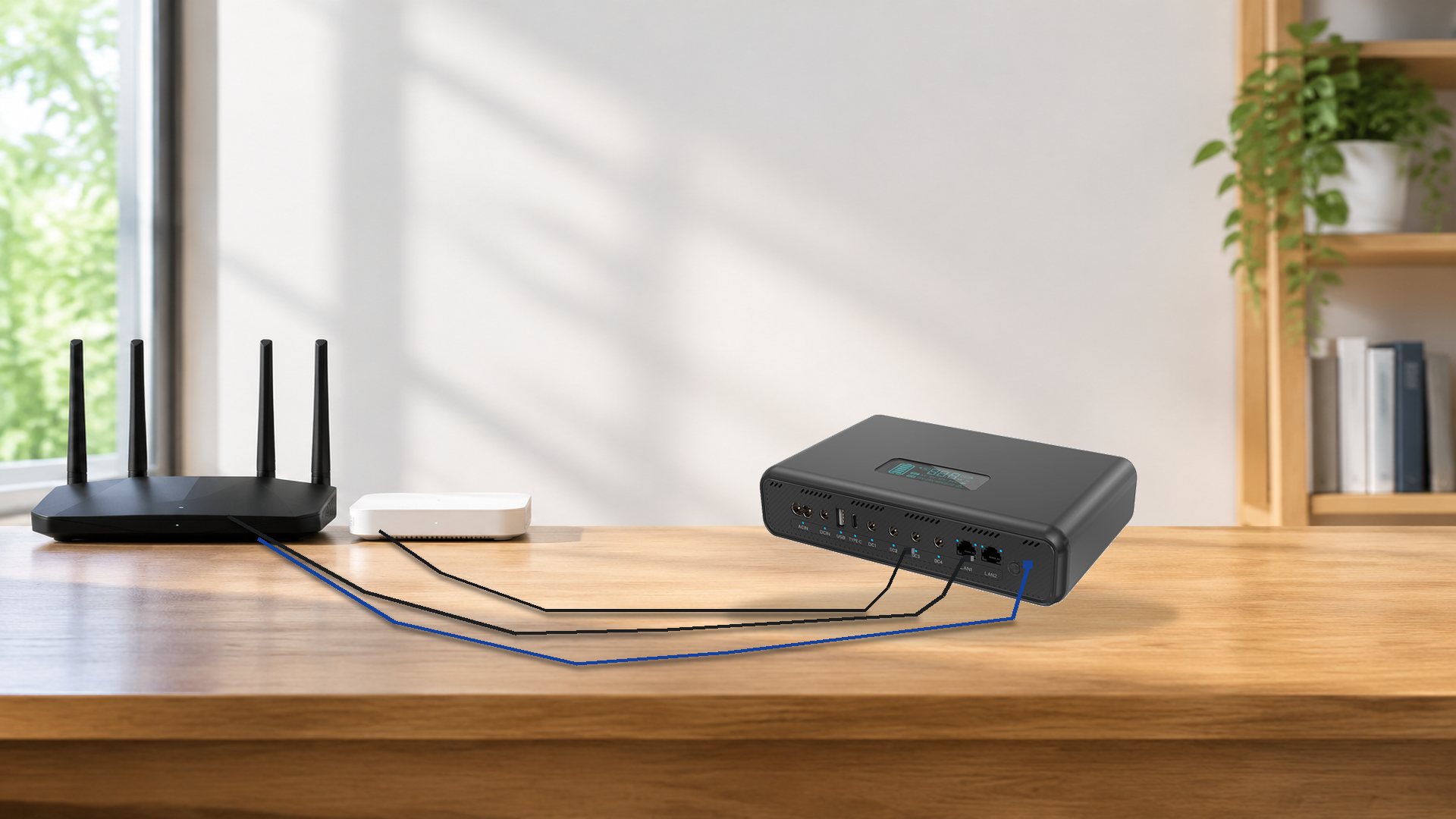
The DC UPS-120D is a desktop DC backup unit for low-voltage equipment: routers, ONTs, switches, PoE cameras, NVRs and small access points. It takes 100–240V AC mains or 10–30V DC from a solar panel through the DC5521 / MPPT input, stores energy in an internal 222Wh lithium-ion pack, and delivers it through fixed-voltage DC ports rather than an AC inverter. There is no AC outlet, and the battery is not user-replaceable.
That design choice is the point. An AC power station inverts to 230V and every device converts back down through its own adapter, losing energy twice. A DC UPS skips both conversions. The trade-off is that you must match voltages yourself, and the unit is useless for anything that runs on mains AC.
| Parameter | DC UPS-120D | What it means when you deploy |
|---|---|---|
| Total output | 120W across all ports | A shared budget, not 120W per port |
| Capacity | 222Wh (60,000mAh) | About 189Wh usable at 0.85 conversion |
| Battery | Internal lithium-ion, sealed | Not removable, not expandable |
| AC input | 100–240V, 50/60Hz, 120W | Worldwide mains; input rating is not charge rate |
| Solar / DC input | 10–30V, 2A, 60W max | One 60W panel is the realistic ceiling |
| Battery charge power | 40W | Sets recharge time near 5.5 hours from empty |
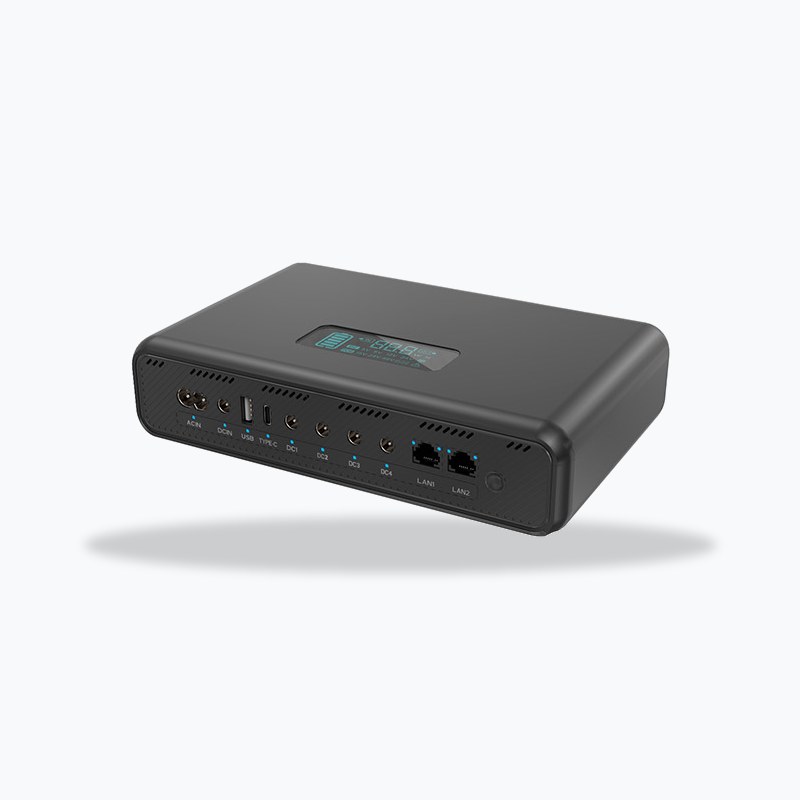
| Output ports | 8 physical (7 power + 1 data) | USB-A, USB-C, DC1 (5V), DC2 (9V), DC3 (12V), DC4 (24V), PoE RJ45, LAN RJ45 |
| Transfer | Rated 0 ms | Load never sees the switchover in theory |
| Weight / size | About 1.35 kg, 188 × 83 × 192 mm | Sits on a shelf or inside a small cabinet |
120W is a port budget, not a runtime figure
The number people remember is 120W. The number that decides whether a site stays online is 189Wh. Those two numbers answer different questions, and confusing them is the single most common mistake in this product category.
Why the wattage on the front panel misleads
A watt rating tells you the maximum instantaneous draw the unit will accept. It says nothing about how long it can sustain that draw. A 120W load empties a 222Wh pack in about 1.6 hours; the same pack runs a 15W router and ONT for more than 12 hours, an eightfold difference decided entirely by the load, not the label.
The buyer's question is rarely "can it deliver 120W"; it is "will the site stay up until the technician arrives". Only the second belongs in a proposal.
Runtime at 30W, 60W and 120W
| Load | Typical equipment | Runtime on ~189Wh usable | Why this row matters |
|---|---|---|---|
| 10W | ONT only | About 18.9 hours | Covers an overnight outage on fibre alone |
| 15W | Router + ONT | About 12.6 hours | The most common residential and SMB case |
| 30W | Router + ONT + one AP | About 6.3 hours | Still longer than most mains outages |
| 60W | Small NVR + 2 cameras | About 3.1 hours | Enough for a planned shutdown, not a storm |
| 120W | Full port budget | About 1.6 hours | Bridge power, not overnight power |
Two caveats: 189Wh is a conversion estimate at 0.85, not a lab figure; treat runtime as ±10%; and a cabinet at 5°C delivers fewer hours than a 20°C office.
The eight ports, and what each one can actually carry
Eight ports sounds generous until you add the caps. The unit has seven power outputs and one data port, and every power output draws from the same 120W budget. Of its two RJ45 sockets, one carries PoE output (15 / 24 / 48V auto, 24W max) and the other is data only. Individual port limits sum to 124W — above the 120W total, which is normal for multi-port supplies but means you cannot run every port at its ceiling at once.
| Port | Output | Max power | Best use |
|---|---|---|---|
| USB-A + USB-C | 5V, 2.4A | 12W shared between the two | Phone, LTE stick, small sensor hub |
| DC1 (5V) | 5V, 2A | 10W | Cameras, Raspberry Pi-class controllers |
| DC2 (9V) | 9V, 2A | 18W | 9V routers, some ONTs, small switches |
| DC3 (12V) | 12V, 3A | 36W | The workhorse: routers, NVRs, switches |
| DC4 (24V) | 24V, 1A | 24W | 24V PoE injectors, 24V ONTs, industrial APs |
| PoE (RJ45) | 15 / 24 / 48V auto, up to 1.6A | 24W total | One PoE camera or one PoE AP |
| LAN (RJ45) | Data only | — | Uplink to the local network |
The DC1 to DC4 ladder
Four fixed DC voltages cover most customer-premises equipment in the field. The practical rule is to read the adapter that came with the device and match its output, not the voltage printed on the device body — many routers accept 9–12V but ship with a specific adapter, and the port you choose should match that adapter.
There is no adjustable dial and no user-set voltage on this unit. That is a feature for installers: a fixed port cannot be knocked out of adjustment by the next person who opens the cabinet.
The PoE socket is one socket, not a camera budget
The PoE output auto-negotiates 15V, 24V or 48V and caps at 24W total. That is enough for one camera at 8W with headroom, or two cameras at 10W each, and not enough for a four-camera array at 8W each. If the site needs four PoE cameras on backup, the honest design is a small PoE switch on the DC3 (12V) or DC4 (24V) port, with the cameras fed from the switch.
Mixed voltage is the real reason to buy one
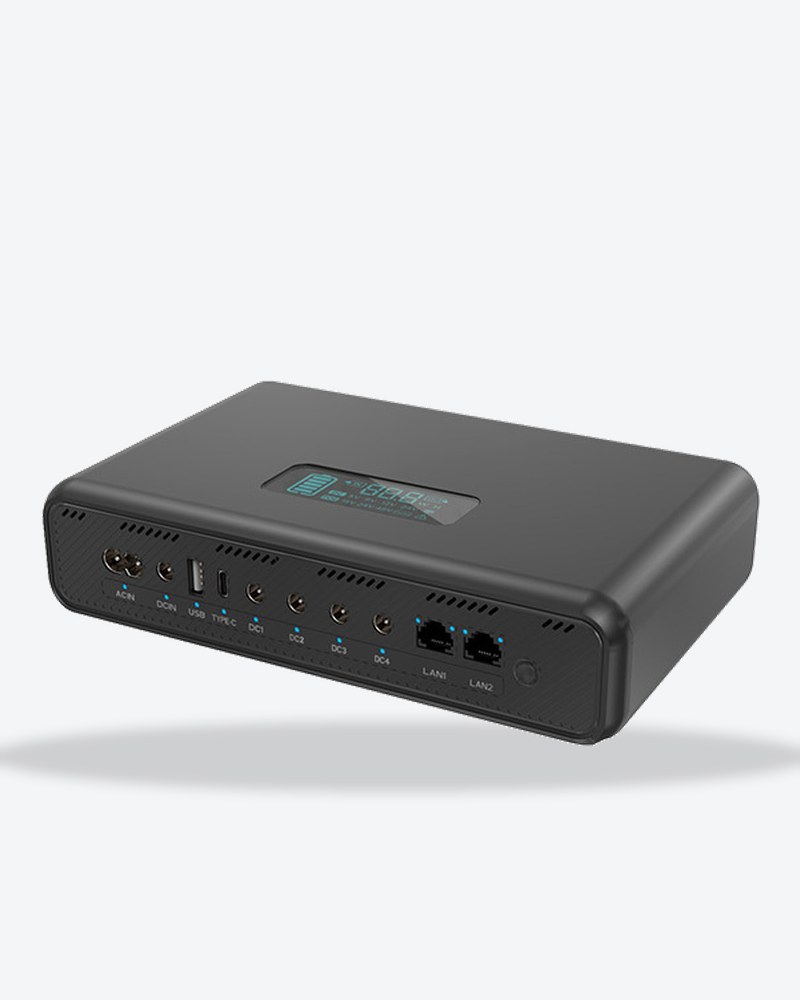
A typical small site has a router at 12V, an ONT at 12V, a PoE access point at 48V, a 9V switch and a 5V sensor: four or five adapters, four or five sockets, and four or five single points of failure that do not survive a mains drop.
| Device | What it normally needs | Port on the DC UPS-120D |
|---|---|---|
| Fibre ONT | 12V, 1A adapter | DC3 (12V, 36W) |
| Wi-Fi router | 12V, 1.5A adapter | DC3 (12V); second device via splitter or second unit |
| PoE access point | 48V PoE | PoE RJ45 (auto 48V) |
| Small switch | 9V or 12V | DC2 (9V) or DC3 (12V) |
| IP camera | 12V or PoE | DC3 (12V), or the PoE RJ45 if it is the only camera |
| LTE stick / sensor hub | 5V USB | USB-A / USB-C |
What it removes from the shelf
One unit replaces the adapter cluster for the rack's low-voltage side, and the "which adapter was for which device" problem on a callout. What it does not replace is the AC side: anything with a mains plug still needs mains, or a different product.
For installers, that is one item to test, swap and maintain, usually worth more than the runtime.
What "0 ms transfer" means in practice
The unit is rated at 0 ms transfer: mains present, the load runs from the input and the battery charges; mains lost, the DC output continues from the battery without a gap the equipment can detect. For routers and cameras, this is the difference between a reboot and a non-event.
Treat the rating as a design intent, not a laboratory measurement: the parameter table does not list a transfer time and no trace is published. If a project needs a verified figure, ask for the test report rather than quoting the marketing line.
Load first, charge with what is left
When mains returns, the load is served first and the remainder goes into the battery. That is the correct priority for a UPS: nobody wants the site to brown out because the charger is greedy. It also means recharge is slower under a heavy load.
Router and ONT backup: the 10–20W case
This is the highest-volume use case and the easiest to size. A modern fibre ONT draws 5–8W; a Wi-Fi router draws 8–15W. Together they sit in the 15–20W band, which lands between 9.5 and 12.6 hours on this unit.
| Load | Runtime | What it covers |
|---|---|---|
| ONT only, 8W | About 23.6 hours | Overnight fibre continuity, no Wi-Fi |
| Router + ONT, 15W | About 12.6 hours | A full evening and the night |
| Router + ONT + AP, 25W | About 7.6 hours | Small office, short outages |
| Router + ONT + AP + switch, 35W | About 5.4 hours | Beyond that, add capacity, not ports |
Quote "about half a day" to a residential customer, not "120W"; to a small office, quote five to seven hours and ask how long their longest outage has been.
CCTV and NVR backup: sizing by camera count
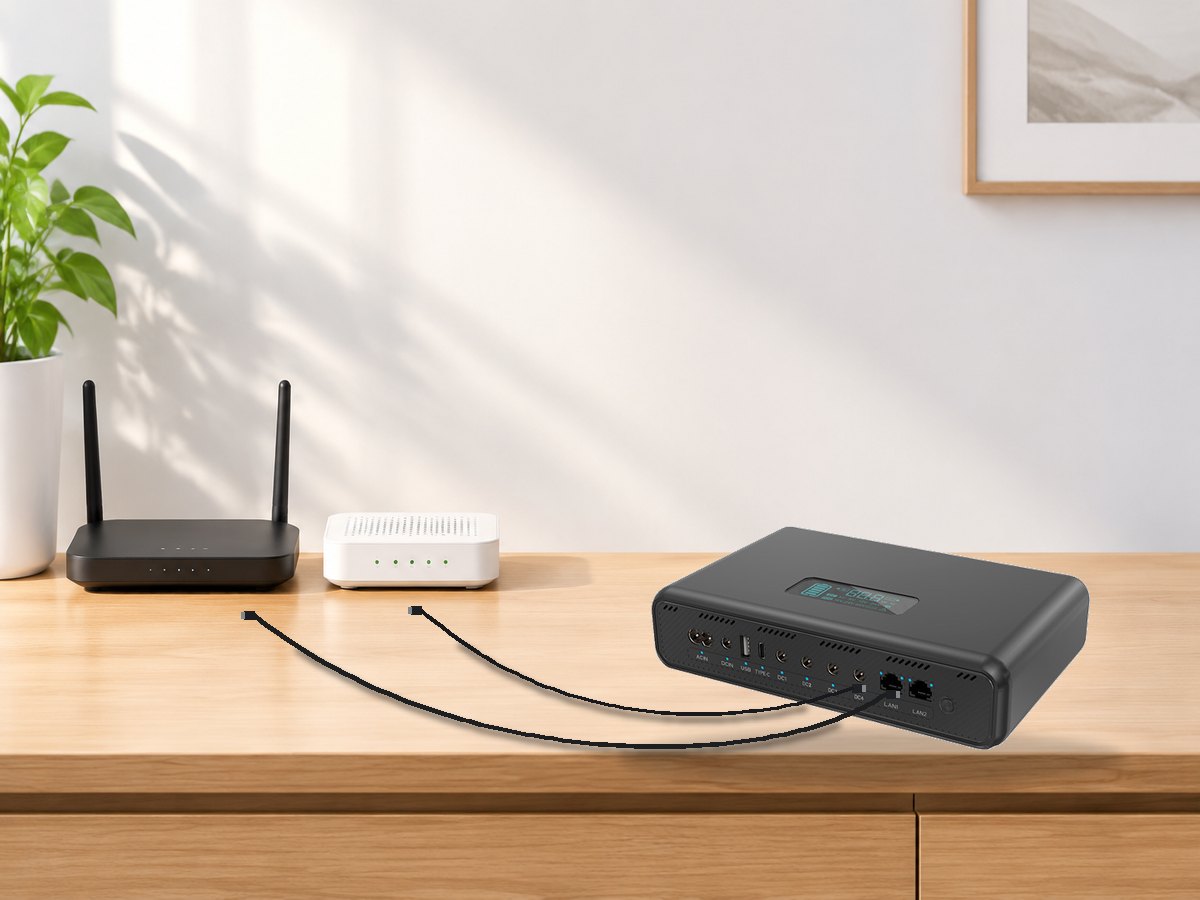
Camera loads are smaller per device but the count is higher, and the PoE budget becomes the binding constraint before the watt-hour budget does. A four-camera site at 5W each draws 20W, which fits inside the 24W PoE ceiling; the same four cameras at 8W each draw 32W, which does not.
| Configuration | Total load | Runtime | Constraint that binds first |
|---|---|---|---|
| 4 cameras at 5W, PoE | 20W | About 9.4 hours | PoE 24W total, just fits |
| 4 cameras at 8W, PoE | 32W | Not supported on one PoE socket | Use a PoE switch on DC3 or DC4 |
| NVR 15W + 2 cameras 10W | 25W | About 7.6 hours | Split across DC3 (12V) and PoE |
| NVR 15W + 4 cameras 20W | 35W | About 5.4 hours | Total budget, not port count |
When four cameras exceed the PoE budget
The correct architecture is a PoE switch powered from the DC3 (12V, 36W) or DC4 (24V, 24W) port, with the cameras on the switch. This keeps one cable to the UPS, keeps the camera count off the PoE socket, and keeps the total inside 120W. The wrong architecture is four cameras chained to the PoE socket and a proposal that promises eight hours of coverage.
Solar and 12V input: 60W, and the voltage window that matters
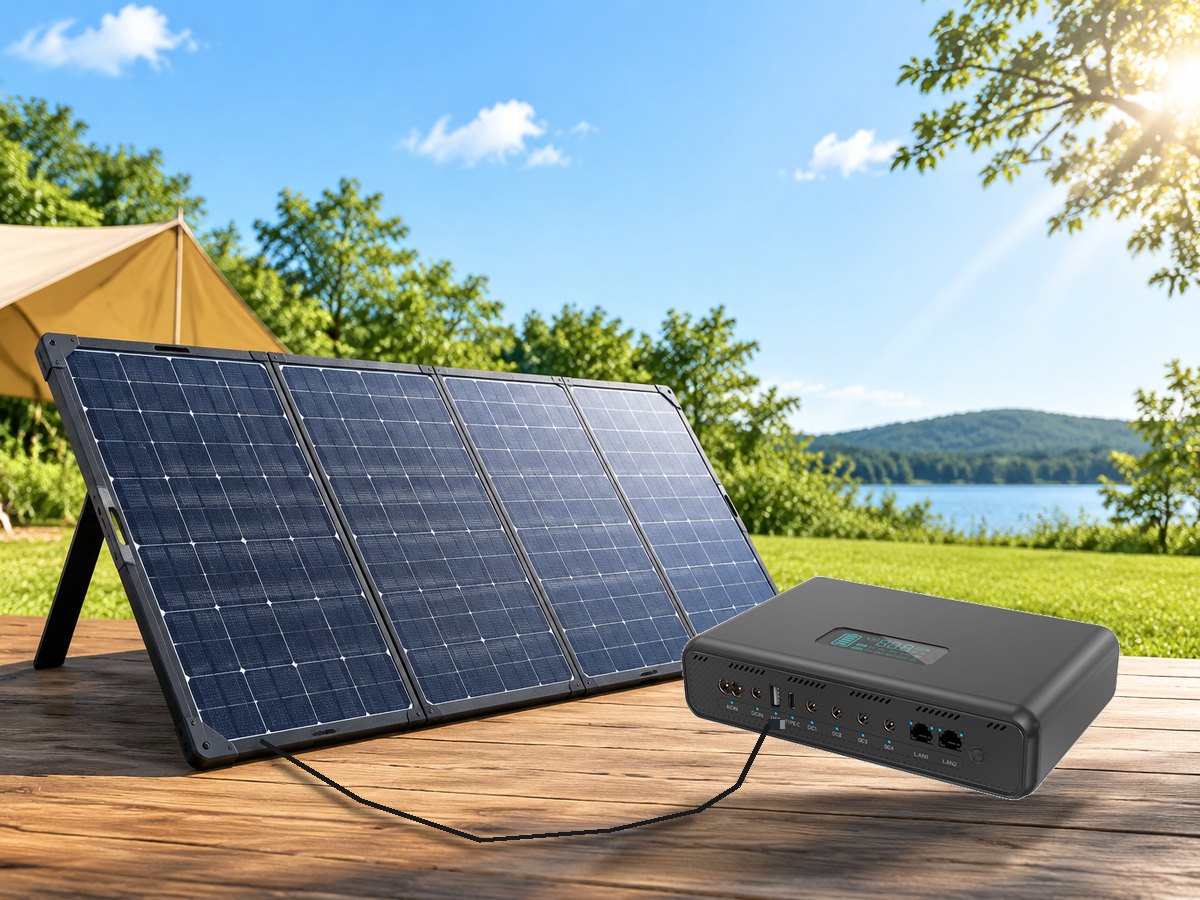
The DC5521 / MPPT input accepts 10–30V at up to 2A, which is 60W at the top of the window. It is designed for a folding panel or a 12V DC source, not for a high-voltage array. Two practical consequences: a 100W panel will not charge faster than 60W, and a panel whose open-circuit voltage exceeds 30V must not be connected directly.
Because the battery's published charge power is 40W, the input ceiling is not the recharge ceiling. A 60W panel in good sun fills the pack in roughly the same time as mains, about 5.5 hours from empty — while a 30W panel in poor light takes considerably longer. Size the panel for daily energy, not for peak watts.
How to size it in three steps, in this order
Most sizing mistakes come from doing these out of order: buy capacity first, then find the voltage does not match, then find the real draw is double the label.
Step 1: read the adapter label, not the device
The device body usually prints a range (9–12V), the adapter prints the actual output (12V, 1.5A). Match the adapter. If the device needs 19V or 48V DC on a barrel jack, this unit is the wrong product — 48V is available only on the PoE RJ45.
Step 2: measure the real draw
Adapter current ratings are ceilings, not consumption. A 12V 2A adapter does not mean the router draws 24W; most draw 6–10W. A plug-in power meter costs little and turns a guess into a number. If measuring is impossible, use the adapter's rating and accept that the runtime estimate will be pessimistic.
Step 3: work back from the hours you need
Divide the required hours into 189Wh to get the average load the unit can support. Eight hours requires 23W or less; four hours requires 47W or less; ninety minutes allows the full 120W. Then check that the load fits the port caps as well as the total — a 40W device cannot go on the 24W port no matter how much capacity remains.
What a DC UPS cannot do
The fastest way to lose an installer's trust is finding a limit after the order. These are the limits, up front.
| Requirement | Supported? | Why |
|---|---|---|
| Run a fridge, heater, kettle or power tool | No | No AC output at all, and 120W DC is far below those loads |
| Power four 8W PoE cameras from the PoE socket | No | PoE output is capped at 24W total |
| Output 48V on a DC barrel port | No | 48V exists only on the PoE socket |
| Replace or expand the battery | No | Internal sealed pack |
| Run a 24V device from the 12V port | No | Fixed voltages; no boost |
| Feed a 19V laptop dock | No | No 19V or 20V DC output; USB-C here is 5V |
| Survive a multi-day outage on one charge | No | 189Wh is hours, not days |
| Power AC networking gear | No | Use an AC power station instead |
The last two rows are the ones that send buyers to a different product, and they should. A DC UPS is a continuity device for low-voltage equipment, not a general-purpose backup.
Where it sits next to an AC power station
An AC power station and a DC UPS solve adjacent problems. The NEO1800 Pro is the right answer when something with a mains plug must keep running — a fridge, a freezer, a sump pump, a CPAP machine through its own adapter. The DC UPS-120D is the right answer when the load is already DC and the requirement is "do not reboot".
The split is usually visible in the rack: a barrel jack or a PoE cable points to the DC unit, a mains plug and a compressor point to the AC station. Sites with both typically run both — the DC unit on the network gear, the AC station on the appliances.
Charging time, stated honestly
From empty, the published battery charging power is 40W, which puts a full charge at roughly 5.5 hours on mains or on a 60W panel. The 120W figure is the AC input rating, not the rate at which energy enters the battery, and the two should not be quoted interchangeably.
If a deployment needs a faster turnaround, ask for the factory's current datasheet and test one unit with a power meter before committing; recharge time is the spec most likely to differ between page and bench.
Frequently asked questions
Can the DC UPS-120D keep a router and ONT online overnight?
Yes. A router and ONT together draw about 15W, and 189Wh usable gives roughly 12.6 hours, enough for a typical overnight outage. If you also back up an access point, the figure drops to about 7.6 hours, so measure the real draw before promising a duration to a customer.
How many PoE cameras can it back up?
One or two, not four. The PoE output auto-negotiates 15V, 24V or 48V but is capped at 24W total, so two cameras at 10W each fit while four at 8W do not. For four cameras, power a small PoE switch from the DC3 (12V) or DC4 (24V) port and feed the cameras from the switch.
Does it have an AC outlet?
No. Every output is DC: USB, 5V, 9V, 12V, 24V and PoE. Anything with a mains plug, including a fridge, heater or power tool, needs an AC power station instead. This is a deliberate design choice that avoids double conversion, not a missing feature.
Can I connect a 48V device to the DC ports?
No. The DC outputs are fixed at 5V, 9V, 12V and 24V. 48V is available only on the PoE RJ45, which auto-negotiates 15V, 24V or 48V for PoE-powered equipment. A 48V device on a barrel jack is not supported by this unit.
What happens when mains power returns?
The load is served first and the remaining power recharges the battery, so the site never browns out because the charger is drawing. Recharge from empty takes about 5.5 hours at the published 40W charging power, and it takes longer if the load is heavy during that window.
How long does a full charge take?
About 5.5 hours from empty, based on the published 40W battery charging power. Note that 120W is the AC input rating, not the charge rate into the battery. If you need a faster turnaround, request the current datasheet and verify with a power meter before committing to a service window.
Can I charge it from a solar panel?
Yes, through the DC5521 / MPPT input, which accepts 10–30V at up to 2A, 60W maximum. A larger panel will not charge faster than 60W, and a panel with an open-circuit voltage above 30V must not be connected directly. Expect a full charge in roughly 5.5 hours in good sun.
Is the battery replaceable or expandable?
No. The 222Wh lithium-ion pack is internal and sealed, and there is no external battery input. Plan capacity at purchase: if a site needs more than about 12 hours at 15W, the correct move is a larger unit rather than an upgrade later.
Can it power a laptop dock or a 19V device?
No. There is no 19V or 20V DC output, and the USB-C port here is 5V at 2.4A rather than USB-C Power Delivery. Laptops that charge over USB-C PD need a different product; this unit is aimed at fixed-voltage network and security equipment.
Does it work with 24V and 48V PoE equipment?
The PoE RJ45 auto-negotiates 15V, 24V and 48V, so both 24V passive and 48V active PoE devices can be supported within the 24W cap. For anything above that — multiple cameras, a PoE switch, or a high-power AP — use the DC3 (12V) or DC4 (24V) port to power a separate injector or switch.
What to send us before you order
Three details decide whether this unit fits: the adapter voltage and current for each device, the number of hours the site must stay up, and whether any load is PoE. Send those and we will return a port-by-port plan rather than a catalogue page.
For certification documents, ask which certificates the exact SKU ships with and get the numbers in writing; the certifications page explains what we can provide. The wider DC UPS range, from 18W to 120W, is on the DC UPS category page.
500W Portable Power Station for Camping and Road Trips: The 444Wh Reality Check
Related Article